
Leadpages vs Unbounce: Which Landing Page Builder Is Worth Your Money?
If you've been shopping for a landing page builder, you've almost certainly landed on these two names. Leadpages and Unbounce dominate the conversation, and for good reason — both are mature, battle-tested platforms. But they serve fundamentally different customers, and picking the wrong one is an expensive mistake.
After reviewing both platforms in depth — building pages, testing conversion tools, and digging into the pricing — here's the honest breakdown. Spoiler: Leadpages wins for most small businesses on price alone, but Unbounce earns its premium if you're serious about CRO at scale.
Quick Comparison: Leadpages vs Unbounce at a Glance
| Feature | Leadpages | Unbounce |
|---|---|---|
| Starting Price (Annual) | $37/month | $74/month |
| Starting Price (Monthly) | $49/month | ~$99/month |
| Templates | 250+ | 100+ |
| Unlimited Traffic & Leads | Yes (all plans) | No (visitor caps apply) |
| A/B Testing | Pro plan and above | Experiment plan and above |
| AI Smart Traffic Routing | No | Yes |
| Built-in Payments | Pro plan and above | No |
| AI Content Generator | Yes (10,000 credits/month) | Yes |
| Dynamic Text Replacement | No | Yes |
| Number of Websites (Entry Plan) | 1 | 1 |
| Free Trial | 14 days | 14 days |
| Best For | Small businesses, solopreneurs | Marketing teams, PPC professionals |
Landing Page Creation: Two Very Different Experiences
Both platforms let you build landing pages without writing a single line of code, but the experience diverges quickly once you're inside the editor.
Leadpages: Built for Speed
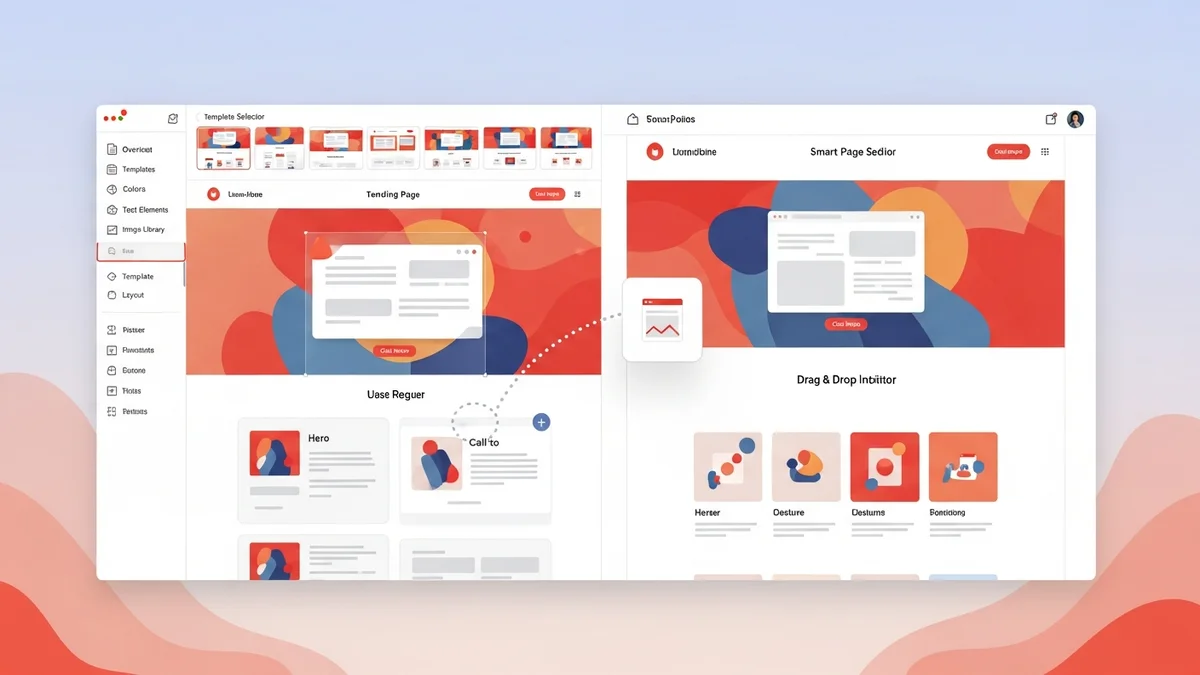
Leadpages is genuinely one of the fastest paths from "blank screen" to "live page." The drag-and-drop builder is simple — maybe too simple for advanced users, but that's by design. Most users can reach proficiency in 30 to 60 minutes. The template library is the largest in the industry at 250+, covering lead generation, sales pages, webinar registrations, thank-you pages, and more. Every template has been conversion-tested, which means you're not starting from random aesthetics — you're starting from layouts with a history of performing.
For small businesses and solopreneurs who need to be live by this afternoon, Leadpages delivers. The tradeoff is that advanced layout customization is limited. You're working within a structured grid, which keeps things clean but can feel restrictive if you have specific design requirements.
Unbounce: Power Users Welcome
Unbounce ships with two builders — the Classic Builder and the AI-powered Smart Builder — giving users a choice between granular pixel-level control or guided AI-assisted page construction. The Classic Builder is closer to a design tool than a template filler; you can position elements anywhere on the canvas, which is both a feature and a risk (it's easy to build something that looks messy on mobile).
The Smart Builder uses AI to generate page drafts from your campaign goals, then lets you customize from there. For PPC marketers running dozens of variations across multiple ad campaigns, this workflow is genuinely useful. The additional support for dynamic text replacement — swapping headline copy based on the keyword that triggered the ad — is a CRO capability Leadpages simply doesn't offer.
If you're comparing pure page-building flexibility, Unbounce wins. If you're comparing time-to-publish for a non-technical user, Leadpages wins.
Newsletter
Get the latest SaaS reviews in your inbox
By subscribing, you agree to receive email updates. Unsubscribe any time. Privacy policy.
Conversion Optimization: Where Unbounce Pulls Ahead
This is the category where the price difference between these two platforms starts to make sense.
Leadpages CRO Tools
Leadpages includes A/B testing, but only on the Pro plan ($74/month annually) and above. You can test two variants of a page and let traffic split between them. That covers the basics, but the analytics depth is limited compared to what dedicated CRO tools offer. The built-in AI content generator (10,000 credits per month) helps speed up copywriting, but it's a content aid, not a conversion intelligence tool.
Unbounce Smart Traffic: The Real Differentiator
Unbounce's signature feature is Smart Traffic, an AI system that goes beyond standard A/B testing. Rather than splitting traffic evenly and waiting for statistical significance, Smart Traffic analyzes visitor attributes — device, location, browser, referral source — and automatically routes each visitor to the variant most likely to convert them. Over time, the system gets smarter with each conversion signal it collects.
For high-traffic campaigns, this is legitimately valuable. Standard A/B tests require large sample sizes to reach significance, which means slow optimization cycles. Smart Traffic compresses that timeline. For a PPC professional or growth marketer running paid campaigns at scale, this feature alone can justify Unbounce's higher cost through improved ROAS.
For a small business owner getting 500 visitors a month? Smart Traffic doesn't have enough data to work effectively, and the price premium becomes hard to justify.
Pricing Breakdown: The Real Cost Comparison
Leadpages is approximately 50% cheaper than Unbounce at comparable tiers. That gap deserves serious attention because it compounds dramatically for agencies managing multiple clients.
| Plan | Leadpages (Annual) | Leadpages (Monthly) | Key Inclusions |
|---|---|---|---|
| Standard | $37/month | $49/month | 1 site, 250+ templates, unlimited traffic, AI generator (10K credits), pop-ups |
| Pro | $74/month | $99/month | 3 sites, A/B testing, built-in payments (Stripe + PayPal), email trigger links |
| Advanced | $299/month | $399/month | 50 sites, 5 sub-accounts, Salesforce + HubSpot integrations, 1-on-1 coaching |
The Advanced plan is particularly striking for agencies. At $299/month for 50 websites, that's $6 per site per month. Managing 25 client sites on Leadpages Advanced costs $299/month. Doing the same on Unbounce at their entry-level per-account rate comes to $1,850/month. That's a six-fold difference — real money that goes directly to the bottom line.
Leadpages also offers unlimited traffic and leads on every plan, which is a meaningful advantage. Unbounce applies visitor caps that can force upgrades as your traffic grows, adding unpredictability to your monthly costs.
One standout feature of Leadpages' Pro plan: built-in payment processing through Stripe and PayPal. At $74/month, you're getting a landing page builder that can also handle sales transactions without a third-party checkout tool. For course creators, coaches, and consultants, this eliminates a $30–50/month integration cost that you'd otherwise pay for a separate tool. If that use case sounds familiar, also consider what SamCart offers as a dedicated checkout platform — but for most simple use cases, Leadpages Pro handles it without the added subscription.
Integrations and the Broader Ecosystem
Leadpages connects to 90+ third-party tools, covering email marketing platforms, CRMs, webinar software, and analytics. Unbounce has a similar integration footprint. Neither platform is an island — both are designed to sit upstream of your CRM and email tool, capturing leads and handing them off.
Where things get interesting is what these platforms don't do. Neither Leadpages nor Unbounce is a full marketing stack. You can't run email campaigns, manage a contact database, score leads, or build multi-step funnels entirely within either platform. If you need that scope, you're looking at something closer to ActiveCampaign for email automation, Kartra for all-in-one funnel management, or GoHighLevel for agencies that want to white-label a full CRM and marketing suite.
Leadpages' Advanced plan specifically adds Salesforce and HubSpot integration — important for enterprise sales teams that need lead data flowing into their CRM automatically. If your sales team lives in Salesforce, that integration is non-negotiable and worth factoring into your plan choice.
Who Should Choose Leadpages?
Leadpages is the right choice if you are:
- A solopreneur, coach, consultant, or local service business building your first landing pages
- A small agency managing multiple client sites on a tight budget
- A course creator or product seller who wants built-in payment processing without a separate checkout tool
- Someone who values speed-to-publish over pixel-perfect design control
- On a budget that makes Unbounce's pricing feel like an obstacle rather than an investment
With 270,000 users since its 2012 launch and a template library tested specifically for conversion, Leadpages has earned its reputation as the most accessible entry point in the landing page builder category.
Who Should Choose Unbounce?
Unbounce earns its premium price for a specific type of user:
- PPC and paid traffic professionals who need dynamic text replacement to match ad copy to landing page headlines
- Growth marketers running high-volume campaigns where Smart Traffic routing can meaningfully improve conversion rates
- Marketing teams inside larger organizations with dedicated designers who need pixel-level layout control
- Businesses where a 1–2% conversion rate improvement on paid campaigns generates enough additional revenue to offset the higher subscription cost
If you're spending $10,000+ per month on paid traffic, Unbounce's advanced CRO features can realistically pay for themselves. If you're spending $500/month on ads, the math rarely works out.
Final Verdict
For most small businesses, the choice is clear: Leadpages at $37/month (annually) is a remarkable value. You get unlimited traffic, 250+ conversion-tested templates, an AI content generator, and built-in payments on the Pro plan — all at a price point that leaves room in your budget for the ads that actually drive traffic to those pages.
Unbounce is not overpriced — it's priced for what it does. Smart Traffic, dynamic text replacement, and a more advanced builder are genuinely useful capabilities. But they're useful for a specific, more sophisticated marketing operation. If that's you, Unbounce is worth every dollar. If that's not you yet, Leadpages gets you 80% of the results at half the cost.
Neither platform is a complete marketing solution. If you need funnel-building capabilities beyond landing pages — full sales funnels, upsells, and email automation — explore how ClickFunnels stacks up, or consider an all-in-one alternative like Systeme.io for budget-conscious users who want a broader feature set under one subscription.